
一、匯編語言的準(zhǔn)備-----編輯器RealView MDK Keil uVision 4.14的安裝
1、首先是雙擊Keil u Vision 4.14后的歡迎界面
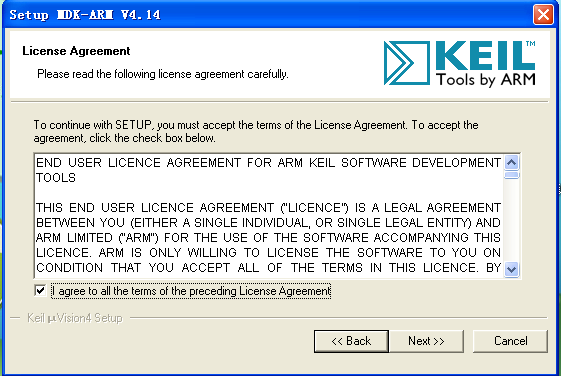
2.next后是接受安裝的界面
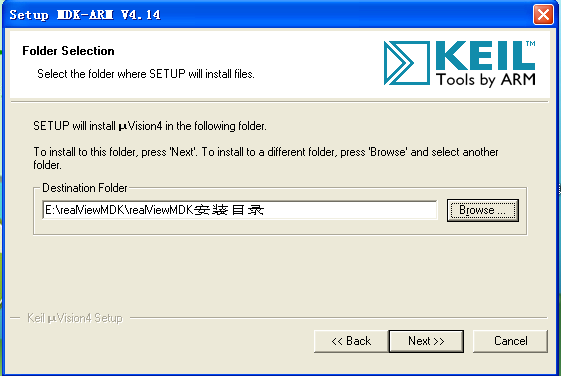
3、接著next后是自定義的安裝目錄界面
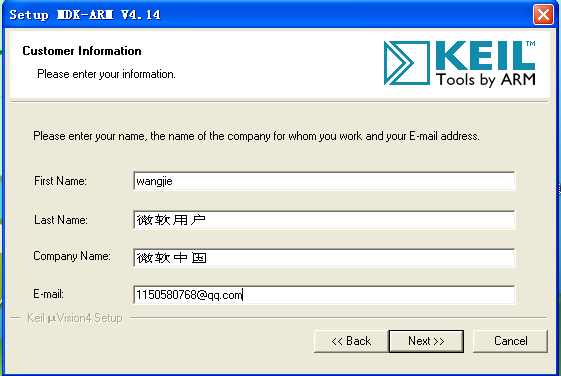
4、接著next后是填寫用戶的信息界面
5、接著next后是成功安裝的界面
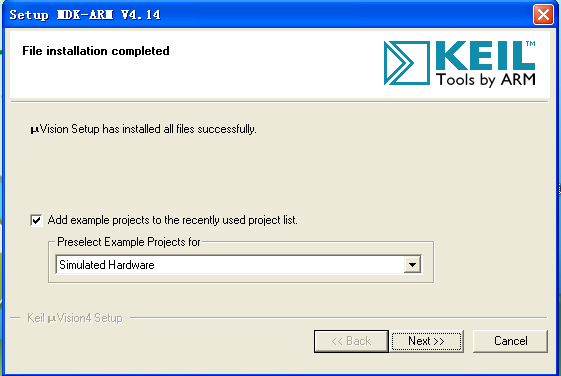
6、接著finish后就可以成功安裝了MDK ARM V4,14
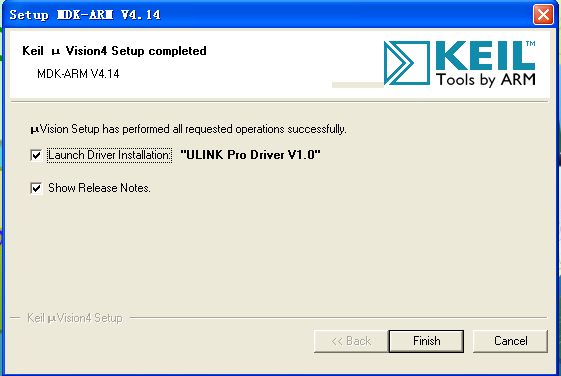
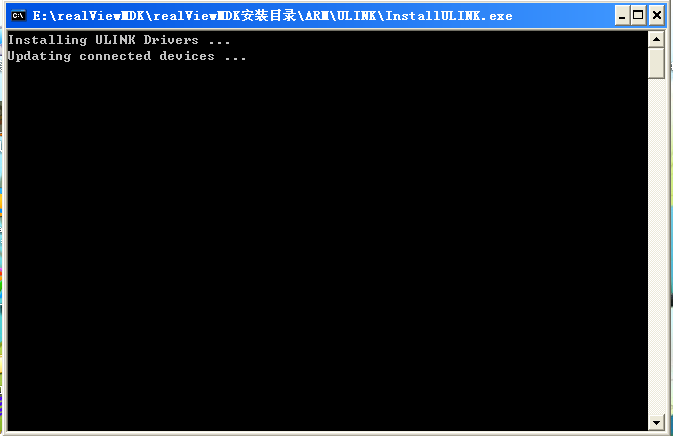
7、finish后就會(huì)顯示短暫的安裝界面
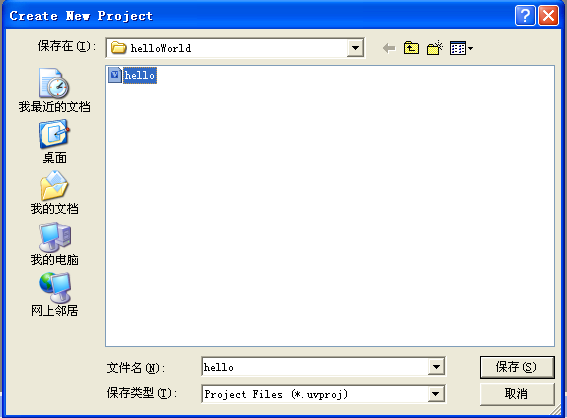
8、創(chuàng)建一個(gè)新工程project-------new --------u Vision project 在hello world 文件夾里創(chuàng)建hello.uvproj 工程
9、為工程選擇一個(gè)CPU我選擇的是samsung的s3c2410A
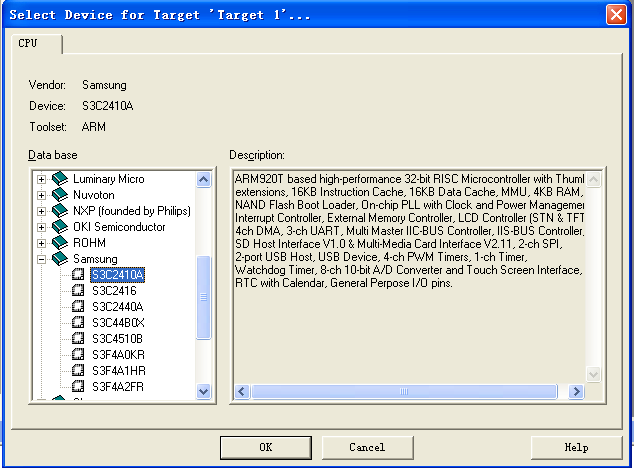
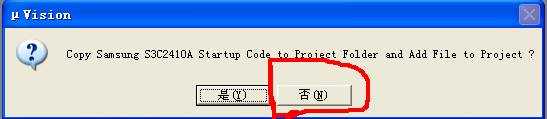
10、 注意!!!注意!!!這里是簡(jiǎn)單的匯編程序,因此不需要添加啟動(dòng)代碼。不然就會(huì)再編譯的時(shí)候出現(xiàn)以下錯(cuò)誤
hello.axf: Error: L6411E: No compatible library exists with a definition of startup symbol __main.
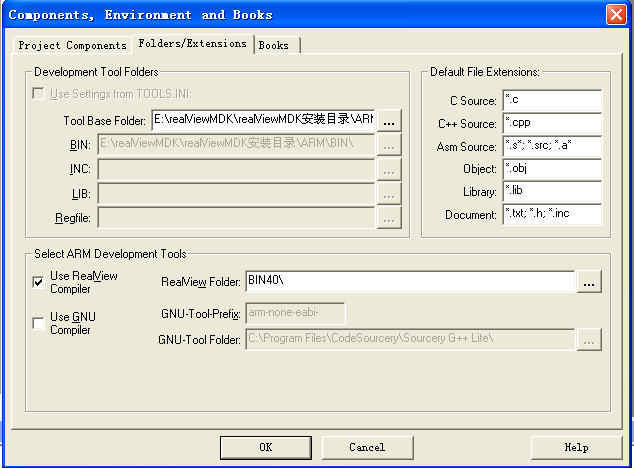
11、選擇開發(fā)工具project---manage---components
12、ok后建立匯編程序源文件 file---new test.s (匯編程序源文件) test.sct(分散加載文件) DebugInRam.ini(調(diào)試腳本文件)文件
和設(shè)置編譯連接控制選項(xiàng)基本配置Target界面(project---option for target) ,順便把test.s 文件添加到工程里工程-------右鍵----Add---group -----add files to
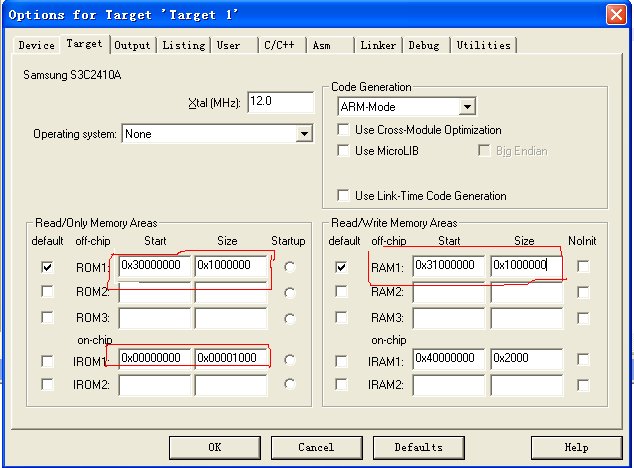
13、基本配置 ----- Linker

14、基本配置--Debug ----
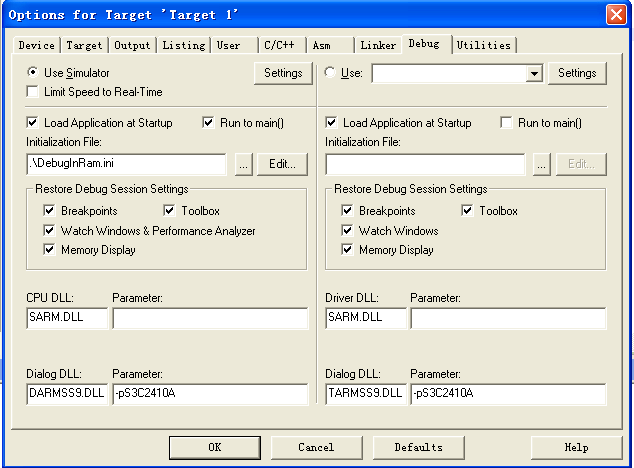
15、編譯連接工程 projiect --->Build target (F7快捷鍵) 調(diào)試工程 Debug ----start\stop Debug Session (Ctrl + F5 快捷鍵)
備注:
test.s文件
| 歡迎光臨 (http://www.raoushi.com/bbs/) | Powered by Discuz! X3.1 |